Sketch to RISA
Team BMTR, NCSEA Big Build SE Hackathon, 2026-10-27. What we've built, how it works, and what to pick up next.
Archived: these are the team's working notes from the hackathon day, kept as a record. For using the tools, see How to use.
app/ and runs on your PC (a Python server with a Claude agent that writes native RISA-3D .r3d models). The run guide is in its README. The browser prototype stays live at /prototype/ as the try-it-online demo.The idea
Engineers start a lot of models from a marked-up PDF or a quick sketch, then retype every node and member into RISA. This app lets you trace the drawing instead, or have it find the lines for you, and export a starting RISA-3D model. Everything runs in the browser and nothing is uploaded.
Who's on the team
Add yourself with your skills and what you're working on, so we can match people to tasks. Edit team.json (the pencil icon on GitHub works), copy the example entry and fill it in.
Loading the roster...
Try it in a minute
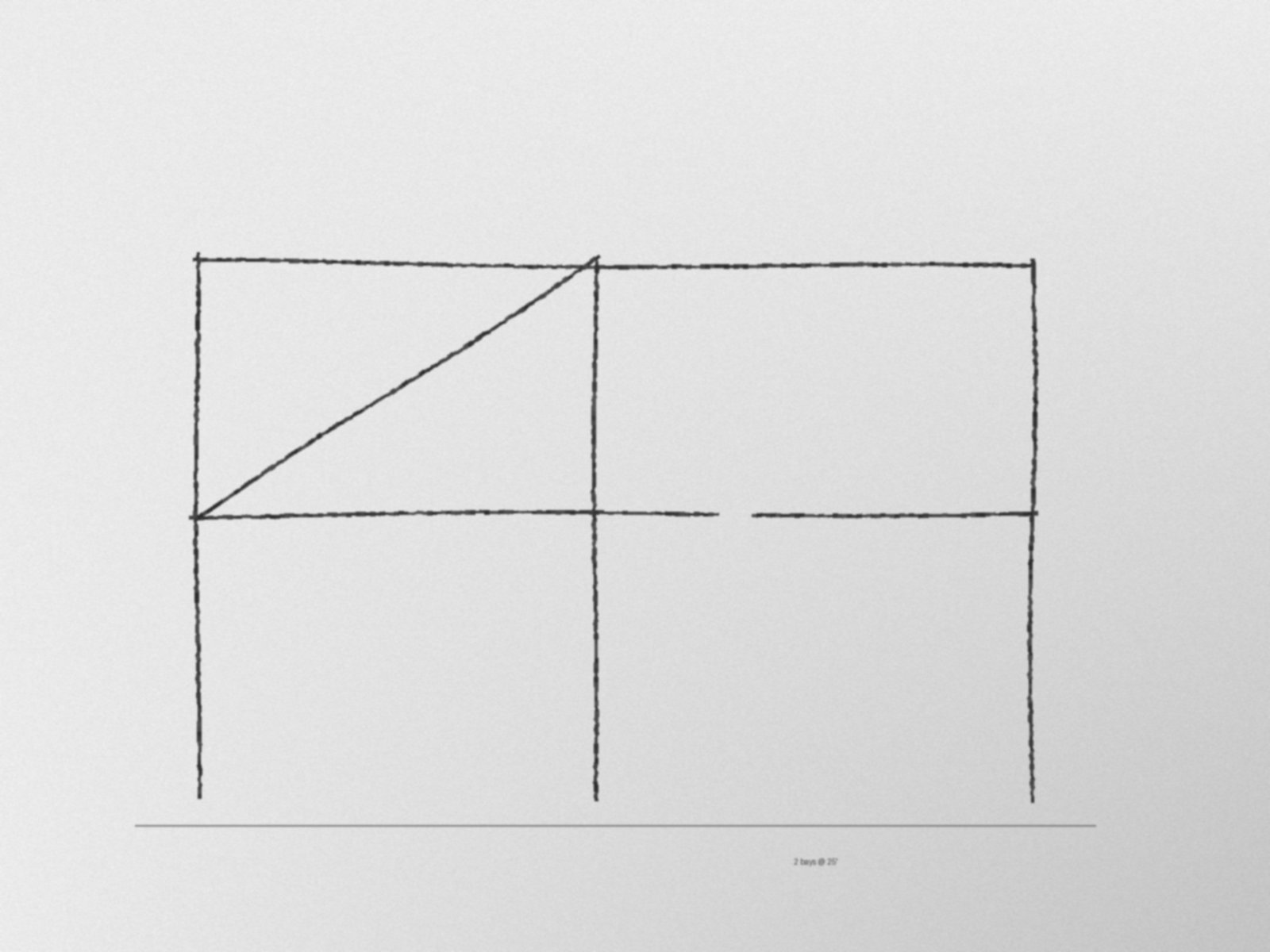
- Download prototype/samples/hand-sketch.jpg (a two-bay, two-story braced frame drawn like a phone photo) and open it in the app.
- Set scale: click the bottoms of the first two columns and type
25'. - Find lines: click once on the drawing. Seven dashed suggestions appear.
- Delete the long ground line, then Accept. You get 9 nodes and 11 connected members.
- Supports: click the three column bases.
- Export: copy the Nodes, Members and Boundary Conditions rows into RISA-3D, or download the DXF.
What's done
PDF (any page) or image, by button or drag and drop.
Click a known dimension, type
24'-6", 7.5 or 2.5m.Snap to nodes and members, Shift for ortho, a live length readout, undo.
Auto-detects straight members in clean drawings and sketch photos, joins corners and T's, adds nodes at crossings.
Pinned, Fixed and Roller, drawn on the model.
Tab-separated rows for the RISA spreadsheets, DXF (feet, layer MEMBERS), CSV, and save/load of the project.
How it's built
This section describes the first prototype in prototype/. It's plain HTML, CSS and JavaScript, with no build step, no framework and no server. GitHub Pages serves the repo, and every push to main goes live within a minute or two.
| File | What it holds | Start reading at |
|---|---|---|
prototype/index.html | Layout: tools panel, drawing canvas, model and export panel. | The .tools aside |
prototype/app.js | Model, drawing, mouse and keyboard input, scale, supports, and accepting suggestions. | acceptSuggestions() |
prototype/export.js | RISA-3D export as pure functions of the model: spreadsheet rows, CSV and DXF. Exposes RisaExport. | The header comment |
prototype/detect.js | Line detection, with no libraries. Exposes LineDetect.detect(canvas, rect, opts). | detect() |
prototype/style.css | Light and dark themes from color tokens on :root. | :root |
prototype/samples/ | A clean gable frame (SVG) and a hand-sketch photo (JPG). | |
prototype/tools/make_sketch.py | Regenerates the sketch sample. Needs Pillow. |
The model
Nodes are stored in drawing pixels: {id, x, y, support}. Members are {id, i, j}, node ids. One number, ftPerPx, turns pixels into feet on export. The origin is the lowest, leftmost node. Elevation exports X and Y (Y up), and plan exports X and Z.
Line detection pipeline
- Adaptive threshold (Bradley and Roth, 2007): ink is anything clearly darker than its surroundings, which copes with uneven photo lighting.
- Thinning (Zhang and Suen, 1984): strokes of any width become 1 px center lines.
- Hough transform (Duda and Hart, 1972): take the strongest straight line, split its ink into continuous runs, keep long dense runs, remove their votes, repeat.
- Cleanup: merge broken pieces of one line, square up lines within 3 degrees of level or plumb, extend or trim ends to meet at corners and T's.
A sketch photo at 1600 x 1200 runs in about 0.2 seconds. The slider sets the shortest line to keep, which filters out text and hatching.
Open tasks
Pick one, put your name on its GitHub issue, and go. Each one is mostly self-contained.
| Task | Why it matters | Where |
|---|---|---|
| takenExport to RISA-3D | A teammate owns this. The DXF and paste formats come from public docs and still need a check in real RISA. All export code lives in export.js, so it can change without touching the rest of the app. | export.js |
| openSnap to grid lines | Hand-drawn wobble leaves values like 0.167 ft. Snapping nodes onto shared X and Y lines makes clean grids. | acceptSuggestions() |
| openRead vector PDFs exactly | CAD PDFs hold real line coordinates. PDF.js getOperatorList() can give exact members, no image detection needed. | New, beside renderPdfPage() |
| openMember sections | Pick a shape per member or for a selection (beam, column, brace) and include it in the Members export. Coordinate with the export owner. | Model, panel, export.js |
| openPhone camera input | Snap a photo of a napkin sketch straight into the app at the table. | index.html file input |
| openMulti-level plans | Trace one plan, repeat it at several elevations, add columns between levels, and get a 3D model. | Model and export |
| openDemo script and pitch | A 2-minute walk-through for the judges: problem, live demo on a sketch, what's next. | Slides or a doc |
How to work on it
- Get access: send Kei your GitHub username and you'll get a collaborator invite.
- Clone and run:
Then opengit clone https://github.com/khkusakabe/BMTR-sketch-to-risa.git cd BMTR-sketch-to-risa python -m http.server 8080http://localhost:8080. Any static server works. - Branch per task:
git switch -c grid-snap, commit small, and open a pull request.mainis the live site, so keep it working. - Keep it plain: no build step, so anyone can open the files and go. If you add a library, load a pinned version from cdnjs.
Share your Claude Code skills
If you use Claude Code, the repo has a shared .claude/skills/ folder. Anyone who opens the repo in Claude Code gets every skill in it. Add yours as .claude/skills/<skill-name>/SKILL.md. The folder's README has the template. The starter skill, sketch-to-risa-dev, teaches Claude how this app fits together and how to test it.
Known limits
- Find lines only does straight lines. Arcs and curved members are not detected.
- Dimension lines, ground lines and borders get found too. Box the framing or delete the extras.
- Export assumes feet. Units and member properties get set in RISA.
This tool helps an engineer build a starting model faster. The engineer checks every coordinate, connection and support in RISA and owns the design.